
Tickets can automatically get assigned via trigger to a specific group or Agent based on any predetermined criteria. For automatic ticket routing submit a ticket to our Zendesk group. You can also manually assign tickets to another group or agent.
1. Open the ticket
2. On the Properties Panel, click on the Assignee tab. Scroll down to the agent in your group that you want to assign the ticket to.
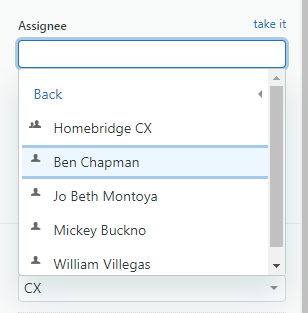
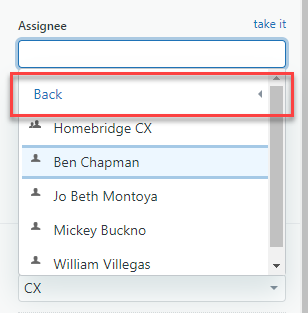
3. To assign to another group click on the Back button at the top of the selection field. Select the desired group from the list.
Comments
0 comments
Please sign in to leave a comment.