
Macros are preconfigured actions that you can apply to a ticket to save you time. You can apply macros to a new ticket that you are creating or to an existing ticket. In this example we'll apply a macro to an existing ticket.
Apply a macro to a ticket
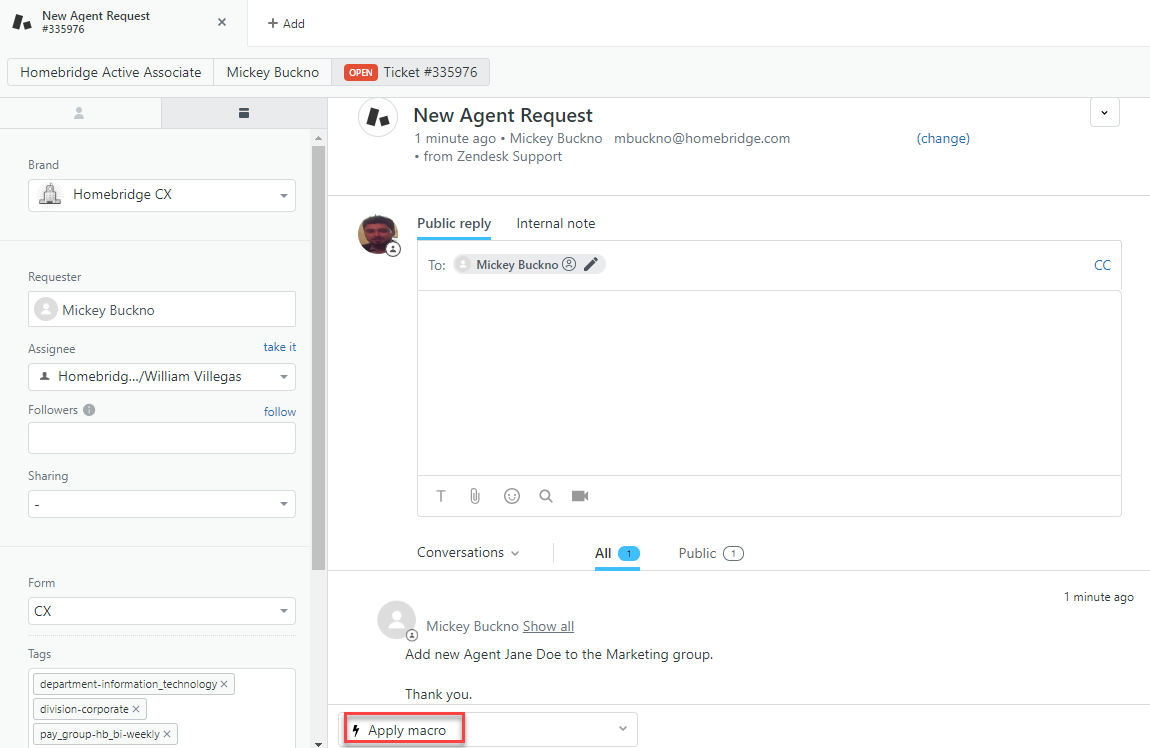
1. Open a ticket that you want to apply the macro to. > Click Apply macro.
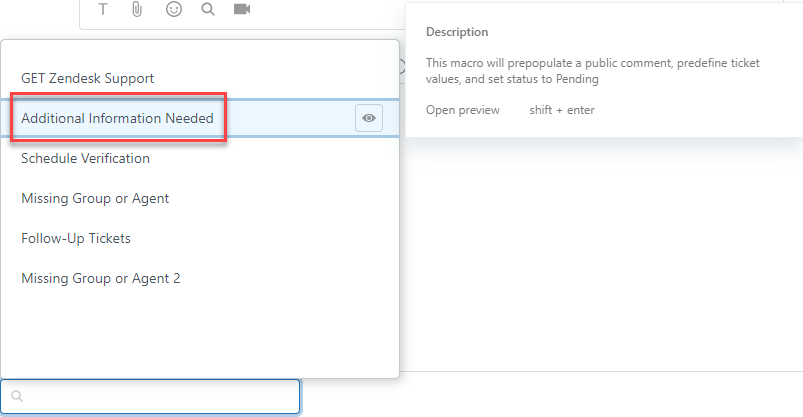
2. Select the macro that you want to apply.
3. All the preconfigured actions get applied to the ticket.
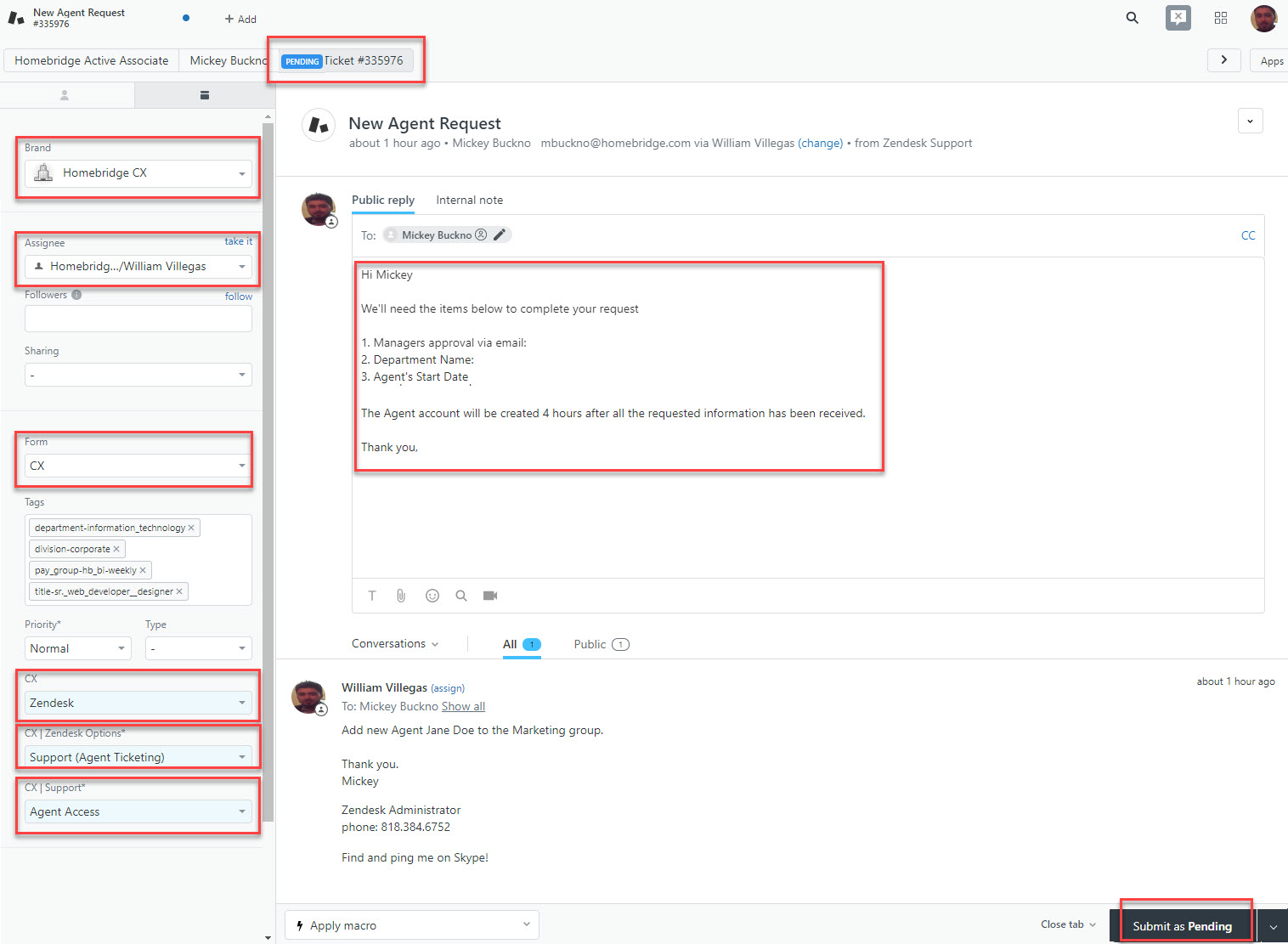
4. Click Submit as Pending to apply all the actions in the macro. Note you can also modify any of the actions including additional text to the comment or ticket fields and then click Submit as Pending.
Comments
0 comments
Please sign in to leave a comment.